How to Use The Audi Remote Park Assist Plus
How to Use The Audi Remote Park Assist Plus
Steps to Park in a Space With Audi Remote Park Assist Plus
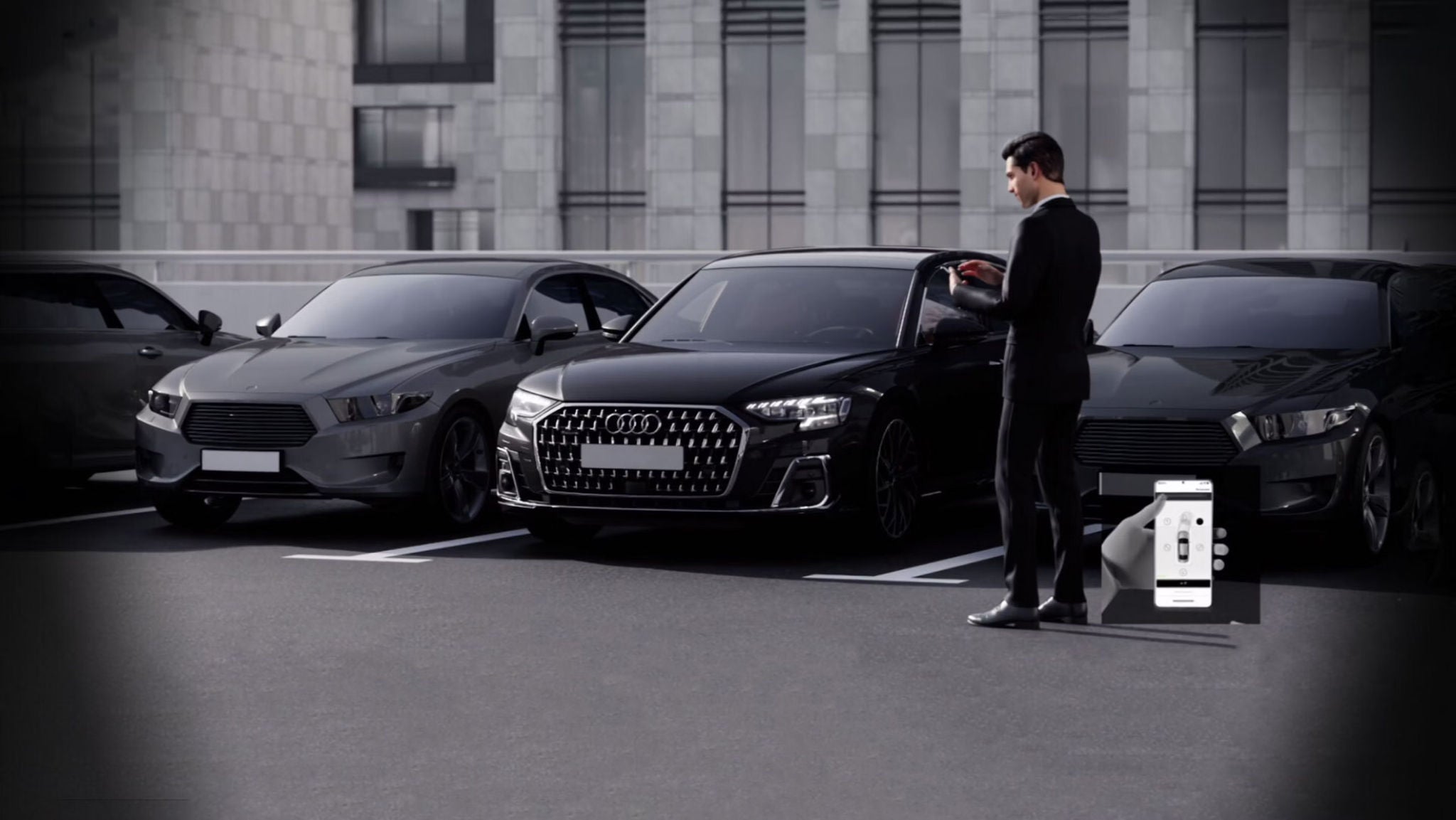
The Remote Park Assist Plus feature at Audi allows drivers to park in or exit from parallel and perpendicular parking while outside of their vehicle using a compatible mobile device. In this article, we will quickly go over how to use this feature to enjoy a seamless parking experience the next time you take your Audi out for your next trip to the grocery store, that new restaurant downtown or the mountain for your weekend ski trip.
Activate Park Assist Plus: Activate Park Assist Plus by putting your Audi in park and ensuring you are logged in to your myAudi app with Bluetooth enabled. Then, place your Audi in drive and look for your parking spot.
Find Parking Place and Notify Park Assist Plus: Make sure you are about 3 feet away from the row of parking spaces. Use the park assist button on your vehicle's center console to activate the drive path guidelines on the upper display. The Park Assist Plus feature will identify available parking spaces and show them on your multi-media interface (MMI) display. You can then choose the desired parking space on the display.
Note: Park Assist will automatically look for spaces on the right-hand side of your vehicle. However, you can switch to the left side by activating your left turn signal.
Get into Correct Positioning: First, choose a parking space and carefully position your car next to it until a “P” icon appears on your display, indicating that you are in the correct position to park. Then, apply pressure to the brakes to stop your vehicle and locate the Park Assist directions on your upper display. Next, select the phone icon on your display and wait for a prompt on your MMI stating that your vehicle can now be controlled from the outside. Finally, you can exit the vehicle with your phone and keys.
Start Park Assist in myAudi App: Go into your myAudi app and select Park Assist -> Start Remote Parking -> Start Remote Park Assist. Then select and hold the park assist button. The vehicle should begin to drive, steer, brake, and park independently. You can let go of the park assist button at any time to pause the process. Once done, you can place your Audi in park remotely.
This concludes the instructions for using Audi’s Park Assist Plus feature to park in a parking space. Drivers can also utilize this feature to exit parking spaces.
To do so:
Turn on Vehicle Remotely: Using your myAudi app, remotely start your vehicle.
Choose Your Exit Path: Click the exit icon displayed on your app that best represents how you would like your vehicle to exit the parking space.
Press and Hold the Park Assist Button: Press and hold the park assist button and stay within 10 feet of the vehicle while it pulls out of the parking space.
Try Out Audi’s Park Assist Plus at Audi Bozeman
If you want to learn more about Audi’s Park Assist Plus feature or are keen to test it firsthand, feel free to visit Audi Bozeman. Our knowledgeable staff will be happy to answer all your questions and allow you to experience the luxury and performance Audi offers!